Web Development RFP Template: Scope Your Project Before You Hire an Agency
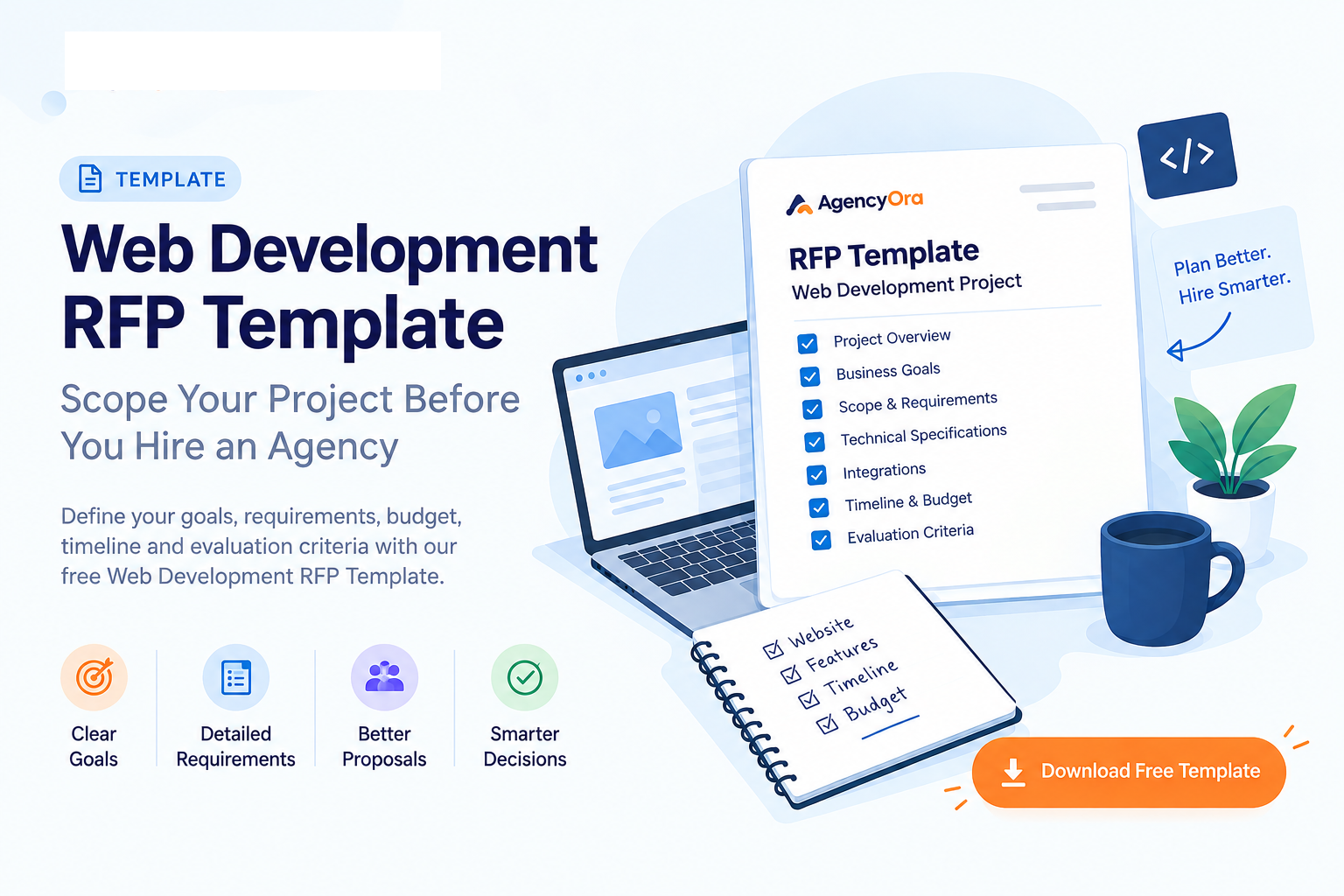
Planning a website or web application project? Use this free Web Development RFP Template to define your goals, scope, requirements, budget, timeline, integrations, and agency evaluation criteria before requesting proposals.
Get Instant Access to This Asset
Standardized framework for software & agency procurement.
Web Development RFP Template: Scope Your Project Before You Hire an Agency
Hiring a web development agency becomes much easier when every agency receives the same clear information.
Without a proper project brief, one agency may quote for a simple website while another includes advanced functionality, integrations, SEO, maintenance, and additional services. The result is proposals that look completely different and are difficult to compare.
A good Request for Proposal (RFP) gives agencies enough information to understand your business problem, users, scope, constraints, budget, and expected outcome — while still allowing them to recommend the right solution.
This guide gives you a practical structure for creating a web development RFP before contacting agencies.
What is a Web Development RFP?
A Web Development RFP is a document that explains what your business needs from a web development partner.
It typically covers:
- Your business and project background
- The problem you want to solve
- Target users
- Project goals
- Required functionality
- Technical requirements
- Integrations
- Design and content requirements
- SEO and analytics requirements
- Timeline
- Budget
- Agency expectations
- Proposal requirements
- Evaluation criteria
The purpose is not to tell an agency exactly how to build everything.
The purpose is to give every agency the same information so they can propose an appropriate approach and you can compare their responses more fairly.
1. Start With the Business Problem
Don't begin your RFP with a long list of features.
Start by explaining why the project exists.
For example:
"Our current website generates enquiries, but visitors have difficulty finding our services and our sales team manually handles most enquiries."
This gives an agency much more context than:
"We need a modern responsive website with 15 pages."
Explain:
- What does your business do?
- Why are you starting this project?
- What isn't working today?
- Who is affected by the problem?
- What should improve after launch?
A clear business problem gives agencies the context they need to recommend solutions rather than simply price a feature list.
2. Define Your Project Goals
Write down 3–5 measurable goals.
Examples:
- Increase qualified enquiries
- Improve website conversion rate
- Reduce manual administrative work
- Launch an online ordering system
- Improve mobile experience
- Replace an outdated CMS
- Integrate the website with CRM software
- Create a customer portal
- Launch a new SaaS product
Try to distinguish business outcomes from technical deliverables.
For example:
Weak goal:
Build a React website.
Better goal:
Create a fast, mobile-friendly website that makes it easier for potential customers to understand our services and submit qualified enquiries.
3. Identify Your Users
Tell agencies who will actually use the website or application.
Consider:
- Customers
- Administrators
- Employees
- Vendors
- Partners
- Sales teams
- Managers
- Content editors
For each important user type, explain what they need to accomplish.
Example:
Customer
- Create an account
- Browse products
- Add products to cart
- Make payment
- Track orders
Administrator
- Manage products
- Manage customers
- Manage orders
- View reports
- Manage promotional offers
User roles help agencies understand the actual workflows behind the project.
4. Define the Scope
Separate your requirements into three categories.
Must Have
Features that are required for the first release.
Should Have
Important features that may be included if time and budget allow.
Nice to Have
Ideas that can be considered in a future phase.
Also create an Out of Scope section.
For example:
Must Have
- Responsive website
- User registration
- Product catalogue
- Shopping cart
- Online payment
- Admin dashboard
Should Have
- Wishlist
- Product reviews
- Coupon management
Nice to Have
- AI product recommendations
- Loyalty program
- Mobile application
Out of Scope
- Native mobile application
- International shipping
- Marketplace functionality
This separation can prevent many misunderstandings later.
5. Describe Functional Requirements
For every important feature, explain:
Feature → User → Action → Expected Result
Example:
User Registration
User: Customer
Action: Creates an account using email and password.
Expected result: Customer receives confirmation and can access their dashboard.
Priority: Must Have
Acceptance criteria: Customer can register, log in, reset their password, and update their profile.
This is generally more useful than simply writing:
"User authentication required."
6. Document Technical Requirements
Include technical information you already know.
Examples:
- Existing CMS
- Existing framework
- Hosting environment
- Database
- API requirements
- Authentication
- Payment gateway
- CRM
- ERP
- Email platform
- Analytics
- Third-party services
- Cloud provider
- Data migration requirements
If you don't know which technology should be used, say so.
For example:
"We are open to technology recommendations. Please explain your proposed stack and why it is appropriate for this project."
This gives agencies an opportunity to explain technical trade-offs rather than forcing an implementation that may not be appropriate.
7. Don't Forget Integrations
Integrations can significantly affect project scope.
List every system the new website or application needs to communicate with.
Examples:
- Salesforce
- HubSpot
- Zoho
- QuickBooks
- Stripe
- PayPal
- Shopify
- ERP systems
- Shipping providers
- Email marketing platforms
- SMS providers
- Google Analytics
- Existing internal APIs
For each integration, provide whatever information you know:
- System name
- Purpose
- API availability
- Existing documentation
- Authentication method
- Data that needs to be exchanged
8. Include Design, Content and SEO Requirements
Clearly define responsibilities.
Design
- Is branding already available?
- Is a design system available?
- Who creates UI/UX designs?
- How many design revision rounds are expected?
- Are there reference websites?
Content
- Who writes website copy?
- Who provides images?
- Who uploads content?
- Is existing content being migrated?
SEO
Consider:
- URL migration
- Redirects
- Metadata
- Sitemap
- Structured data
- Analytics
- Search Console
- Page speed
- SEO-friendly architecture
Accessibility
If accessibility is important for your project, specify the expected standard and testing requirements.
9. Define Your Timeline
Don't simply write:
"We need the website as soon as possible."
Instead provide:
- Desired start date
- Target launch date
- Important milestones
- Business deadlines
- Content delivery date
- Approval timelines
- Third-party dependencies
Also explain whether the deadline is:
Flexible
or
Fixed
and why.
This allows agencies to identify potential schedule risks before the project begins.
10. Provide a Budget Range
If possible, provide an expected budget range.
For example:
Estimated project budget: $20,000–$30,000
or:
Budget: ₹15 lakh–₹20 lakh
A budget range helps agencies determine whether the project is commercially appropriate for them and helps them structure their proposed solution accordingly. Recent RFP guidance also emphasizes giving vendors commercial context rather than forcing them to guess.
If you genuinely don't know the budget, explain that and ask agencies to provide options at different levels.
For example:
- Recommended approach
- Lower-cost approach
- Premium approach
11. Tell Agencies What Their Proposal Must Include
Ask every agency to provide the same information.
Your proposal requirements can include:
- Understanding of the project
- Recommended approach
- Proposed technology
- Project scope
- Deliverables
- Timeline
- Milestones
- Team members
- Relevant experience
- Case studies
- Pricing
- Payment schedule
- Third-party costs
- Assumptions
- Exclusions
- Support and maintenance
- Warranty / bug-fix period
- IP ownership
- Source-code handover
- Project risks
This makes proposals significantly easier to compare.
12. Ask About the Actual Team
Don't evaluate an agency only by its company size.
Ask:
- Who will manage the project?
- Who will handle UI/UX?
- Who will develop the project?
- Who will perform QA?
- Who will handle deployment?
- How experienced are the proposed team members?
- Will the people presented during sales actually work on the project?
You want to understand who is delivering the work, not just who is presenting the agency.
13. Ask About Assumptions and Risks
Ask every agency:
"What assumptions have you made while preparing this proposal?"
Also ask:
"What risks do you see in our current requirements?"
This can reveal important differences between proposals.
An agency that identifies a missing integration, unclear workflow, migration problem, or unrealistic deadline may be providing useful information that isn't obvious from the price alone.
14. Compare Proposals Using the Same Criteria
Don't compare proposals based only on price.
Create a simple evaluation framework.
Evaluation Area
Suggested Weight
Understanding of business problem
20%
Relevant experience
15%
Proposed approach & technical fit
15%
Scope & deliverables
10%
Team & communication
10%
Timeline & delivery plan
10%
Price & commercial terms
10%
Support & maintenance
5%
Risks, assumptions & transparency
5%
You can change the weights according to your project's priorities.
The important part is to decide your evaluation criteria before reviewing proposals.
15. Questions to Ask Every Shortlisted Agency
Ask the same questions to each shortlisted agency:
- Who exactly will work on our project?
- What assumptions have you made?
- Which parts of our scope present the biggest risks?
- How do you handle scope changes?
- How do you communicate project progress?
- How frequently will we receive updates?
- What happens when a bug is discovered after launch?
- What documentation will we receive?
- Who owns the source code and project assets?
- What happens after the project is completed?
- Can you show us a comparable project?
- What would you change or clarify in our current brief?
16. Final RFP Checklist
Before sending your RFP, make sure you have answered:
- What business problem are we solving?
- Who are the users?
- What are our primary goals?
- What is definitely in scope?
- What is out of scope?
- Which features are must-have?
- Which features can wait?
- What integrations are required?
- What technical constraints exist?
- Who provides content?
- What are the SEO requirements?
- What is the target launch date?
- What dependencies could affect the timeline?
- What is our budget range?
- What must each agency include in its proposal?
- How will proposals be evaluated?
- Who makes the final decision?
Download the Editable RFP Template
Use the downloadable template to fill in your project information and send the same requirements to your shortlisted agencies.
The template includes:
- Project context
- Business objectives
- User requirements
- Scope definition
- Functional requirements
- Technical requirements
- Integrations
- Design, content & SEO
- Timeline
- Budget
- Agency requirements
- Proposal requirements
- Evaluation scorecard
- Agency interview questions
- Final pre-send checklist
Level Up With Free Interactive Tools
Complement this resource with our free production calculators and project scoping tools. No signup or credit card required.